
Best Video Editor MOD APKs 2026: Top 3 Ranked
Finding the best video editor mod apk for 2026 can save you from expensive monthly subscriptions without giving up the tools that make videos look professional. A modded video editor unlocks the pro features of Android’s most popular editing apps — no watermarks, premium effects, and high-quality export options — without the paywall standing between you and your finished video. This guide compares the three mods worth your time: CapCut Mod, KineMaster Mod, and VN Video Editor Mod. We rank them on unlocked features, ease of use, and export quality, so whether you make TikToks, YouTube videos, or client work, you can pick the right editor with confidence.
One honest note before we start: no mod is risk-free. Download editor mods only from reputable sources, scan every file before installing, and keep backups of important projects. Our MOD APK safety guide covers the full checklist.
What a Good Video Editor MOD Should Give You
Not every mod is worth installing. Before comparing the three contenders, here are the five things that separate a genuinely useful video editor mod from a barely-tweaked free version:
The best video editor mod apks 2026 in this guide are judged on pro tools, watermark removal and export quality, not on download counts.
- Watermark removal. Free editors stamp their logo on your exports. A good mod removes it, which is the single most visible upgrade.
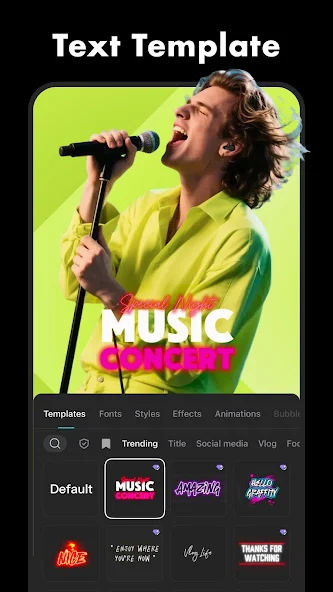
- Premium asset library. Effects, transitions, fonts, stickers, and templates that free users never see — the raw material of polished videos.
- Export quality options. High-resolution and high-bitrate export presets matter enormously if your videos go to YouTube or client projects.
- Timeline precision. Keyframe animation, multi-layer editing, and chroma key separate casual trimmers from real editors.
- Stability across updates. A mod that breaks every time the official app updates is a liability. The best ones are maintained consistently.
The Top 3 Video Editor MOD APKs of 2026
These best video editor mod apks 2026 picks cover three different needs — serious editing, quick social clips, and a balanced all-rounder.
1. KineMaster Mod — Best for Serious Mobile Editors
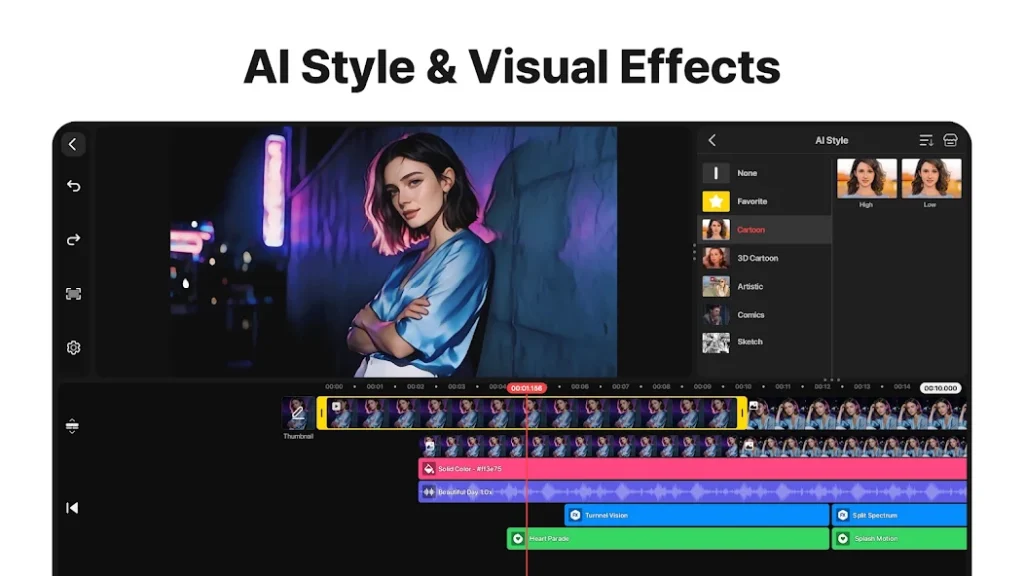
KineMaster Mod is the closest thing to a desktop editor on a phone. It removes the watermark, unlocks the full asset store — premium effects, transitions, fonts, and stickers — and keeps KineMaster’s famously precise multi-layer timeline with keyframe animation and chroma key support. If you edit YouTube videos, tutorials, or anything with layered graphics, this is the strongest pick of the three. For a deeper look at watermark removal specifically, see our KineMaster without watermark guide.
2. CapCut Mod — Best for Beginners and Social Creators
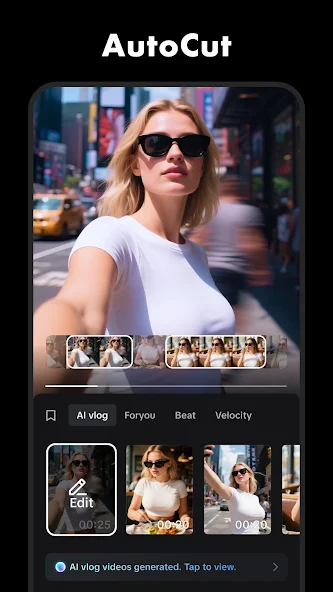
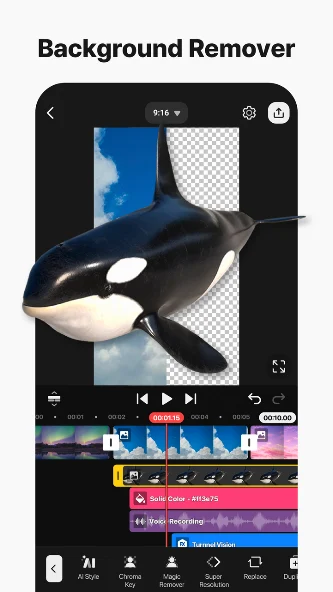
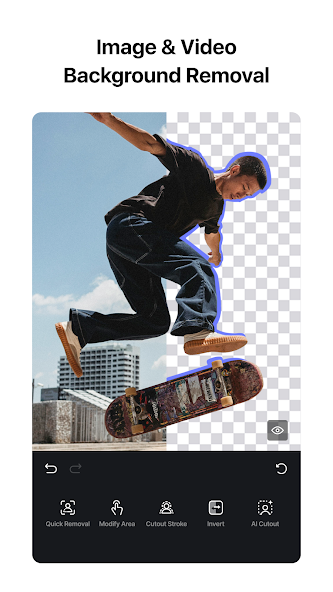
CapCut Mod unlocks the premium effects, trending templates, auto-captions, background removal, and high-resolution exports of the ByteDance editor. Its learning curve is the gentlest of the three, and its template library is unmatched for TikTok, Reels, and Shorts. If you want great-looking social videos fast — without studying an editing manual — start here. Compare it head-to-head with the official app in our CapCut Pro vs official breakdown.
3. VN Video Editor Mod — Best Balanced All-Rounder
VN’s free version is already excellent, and the mod removes its last few limits: pro filters and LUTs, advanced keyframe curves, and premium export presets. The interface is clean, the multi-track timeline is genuinely good, and it runs well on mid-range phones. VN Mod is the pick for creators who want minimal fuss with no meaningful compromises.
At a Glance: How the Three Editors Compare
The best video editor mod apks 2026 table below is the fastest way to pick: find your priority, then read the matching review.
| Feature | KineMaster Mod | CapCut Mod | VN Mod |
|---|---|---|---|
| Best for | Serious mobile editors | Beginners, social creators | Balanced all-rounders |
| Watermark removal | Yes — headline feature | Yes | Yes |
| Export quality | Excellent, high bitrates | Excellent, 4K presets | Excellent, 4K presets |
| Timeline precision | Best in class | Good, template-driven | Very good |
| Template library | Good | Best in class | Modest |
| Learning curve | Steeper | Easiest | Easy |
How to Install a Video Editor MOD APK Safely
Follow these steps in order for any of the three editors:
Before installing any of the best video editor mod apks 2026, scan the file and back up your projects — a bad mod can corrupt saved work.
- Pick your editor using the comparison above, and download its mod APK from a trusted source only.
- Enable installs from unknown apps for your browser in Android settings. If you need the full walkthrough, our step-by-step MOD APK install guide covers every Android version.
- Scan the file with a reputable antivirus before opening it.
- Uninstall the official version first if it is on your phone — a mod cannot install over an app with a different signature.
- Open the APK and tap Install, then launch the app and grant storage and media permissions so it can access your videos.
- Confirm the unlocks: in KineMaster, check the asset store for premium items showing as available; in CapCut and VN, test a template and a high-resolution export.
- Start with a test project. Export a short clip at your target resolution before investing hours in real work.
Troubleshooting: When Your Editor MOD Misbehaves
Most best video editor mod apks 2026 problems are the same: an outdated mod after an official update, or a missing permission — both fixed below.
- Premium items still locked. Some builds unlock features gradually after a restart. Close the app fully and reopen it; if items stay locked, try a newer build from the same source.
- Export fails or crashes. Lower the export resolution once to test — crashes are often a hardware limit, not a mod problem. Clearing the app cache also helps.
- App breaks after an official update. Modded editors occasionally break when the base app changes. Keep project backups, and wait for the modder to release a matching build instead of updating the official app.
- Install blocked. This is usually the signature conflict with the official version. See our MOD APK not installing fixes for every cause and solution.
Frequently Asked Questions
Which video editor mod is best for a beginner?
CapCut Mod. It has the easiest learning curve, the biggest template library, and AI tools like auto-captions and background removal that do much of the heavy lifting for you.
Will these video editor mods work on low-end phones?
VN Mod tends to run best on modest hardware, while KineMaster and CapCut mods prefer mid-range devices and up. If exports stutter, lower the export resolution and close background apps.
Do modded editors really remove the watermark?
Yes, watermark removal is a standard feature of all three mods covered here — it is KineMaster Mod’s headline feature. Always confirm it on a test export before doing client or portfolio work.
Can I use these mods for paid client work?
Technically you can, but be cautious: mods can break after official updates, and using modified apps commercially sits in a legal gray area. Keep project backups and exported masters so you are never stranded.
What happens to my projects if the mod stops updating?
Your exported videos are safe forever. Project files may have compatibility issues if you later switch apps or versions, so export finished work and keep backups of important projects.
Conclusion
The best video editor mod apk depends on who you are: CapCut Mod for fast social content, KineMaster Mod for precision editing, and VN Mod for a balanced, low-fuss experience. All three deliver the essentials — no watermarks, premium assets, and quality exports — so pick by workflow, not hype. Related reading: our KineMaster Pro vs CapCut and VN vs CapCut comparisons.


